
Type Latin with Confidence
Macrons, customizable orthography, and smart autocorrect. Latin typed right.
See It in Action
See how natural typing Latin can feel.
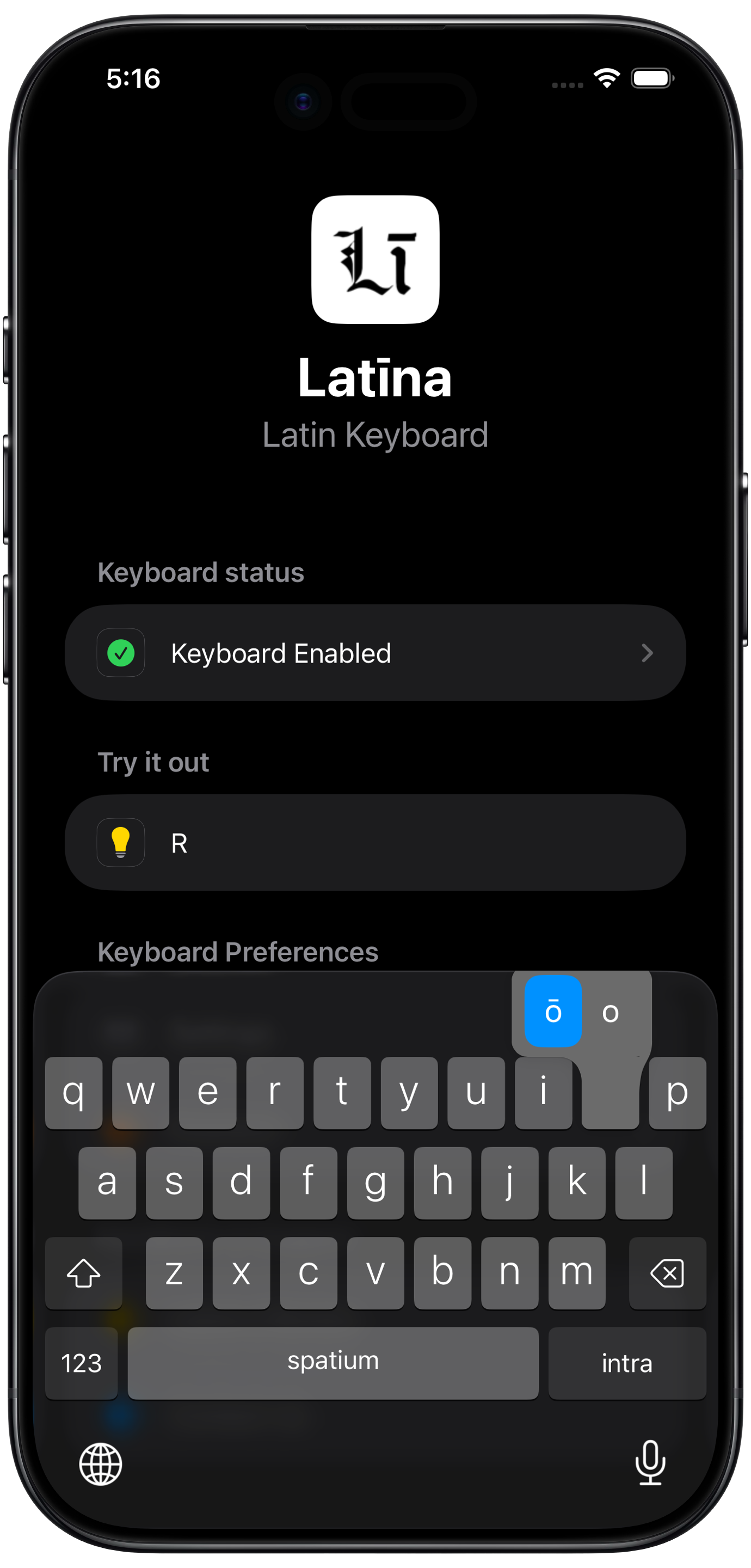
-framed.png)
-framed.png)
-framed.png)
Powerful Features
Built for students, scholars, and anyone writing Latin.
Macron Support
Type ā, ē, ī, ō, ū, ȳ with a tap: vowel length when you need it.
Smart Autocorrect
Autocorrect built for Latin: it catches misspellings and adds the right macrons as you type.
Classical & Ecclesiastical
Set the orthography to match your Latin: classical, ecclesiastical, or a mix of your own preferences.
Private by Design
Nothing tracked, nothing stored. Your typing stays yours.
Works in Every App
Messages, email, homework, group chats: anywhere you'd use the system keyboard.
Clean & Responsive
A fast, uncluttered layout that gets out of your way while you write.
What Users Say
Read reviews posted on the App Store.
Excellent Latin keyboard. Clean design, very responsive, and extremely easy to use. It has significantly improved my typing experience. Highly recommended.
Best tool to practice my latin writing skills. Works on my latin group chat and homework!
Great Latin keyboard! Only one out that actually works
Straight forward and easy to use
Frequently Asked Questions
Typing Latin on iPhone and iPad, answered.
Yes. Latīna is a dedicated Latin keyboard for iOS. iPhone and iPad have no built-in Latin keyboard, and setting your device's language or region to "Latina" in Settings doesn't add one or change autocorrect. Latīna installs as a system keyboard you can switch to in any app, the same way you'd switch to a Spanish or German keyboard.
With Latīna, every long vowel (ā, ē, ī, ō, ū, and ȳ) is available right on the keyboard. Tap a vowel to add its macron, or turn on Auto-Macronization and let the keyboard add the correct vowel length as you type. Unlike the common Māori-keyboard workaround, Latīna includes ȳ and offers Latin word suggestions instead of just bare characters.
iOS autocorrect uses whichever language keyboard is active, so it "fixes" Latin words to the nearest English one. Typing gratias, for example, can become gratitude. You can turn autocorrect off, but that also removes the helpful suggestions for every other language on your phone. Latīna solves this by giving Latin its own keyboard with Latin-aware autocorrect and suggestions, so you don't have to toggle the global setting on and off.
Settings does list a "Latina" option under Language & Region, but applying it changes almost nothing. It doesn't add a keyboard or enable Latin autocorrect or suggestions. Installing a dedicated keyboard like Latīna is the practical way to actually type Latin on iOS.
Yes. You can set the orthography to match your preferred tradition: distinguish U from V and I from J or merge them, toggle the Æ and Œ ligatures, and follow classical or ecclesiastical/medieval conventions, or mix and match the settings according to your own preference (ecclesiastical "ecclectical"? 🤔).
It's a popular workaround because the Māori keyboard has macron vowels and no autocorrect, but it's missing ȳ, and it gives you no Latin word suggestions or corrections. Latīna provides all six long vowels (ā ē ī ō ū ȳ) plus autocorrect and suggestions built specifically for Latin.
Latīna is a free download with optional in-app purchases. It works everywhere the system keyboard does, from Messages and Mail to homework and group chats, and it's private by design: your typing is never tracked or stored.
Latīna for iOS.
Type Latin the way it's meant to be written.